Job register
Create jobs and projects, assign techs, open job folders and track report status from one register.
 NDT Inspection Suite
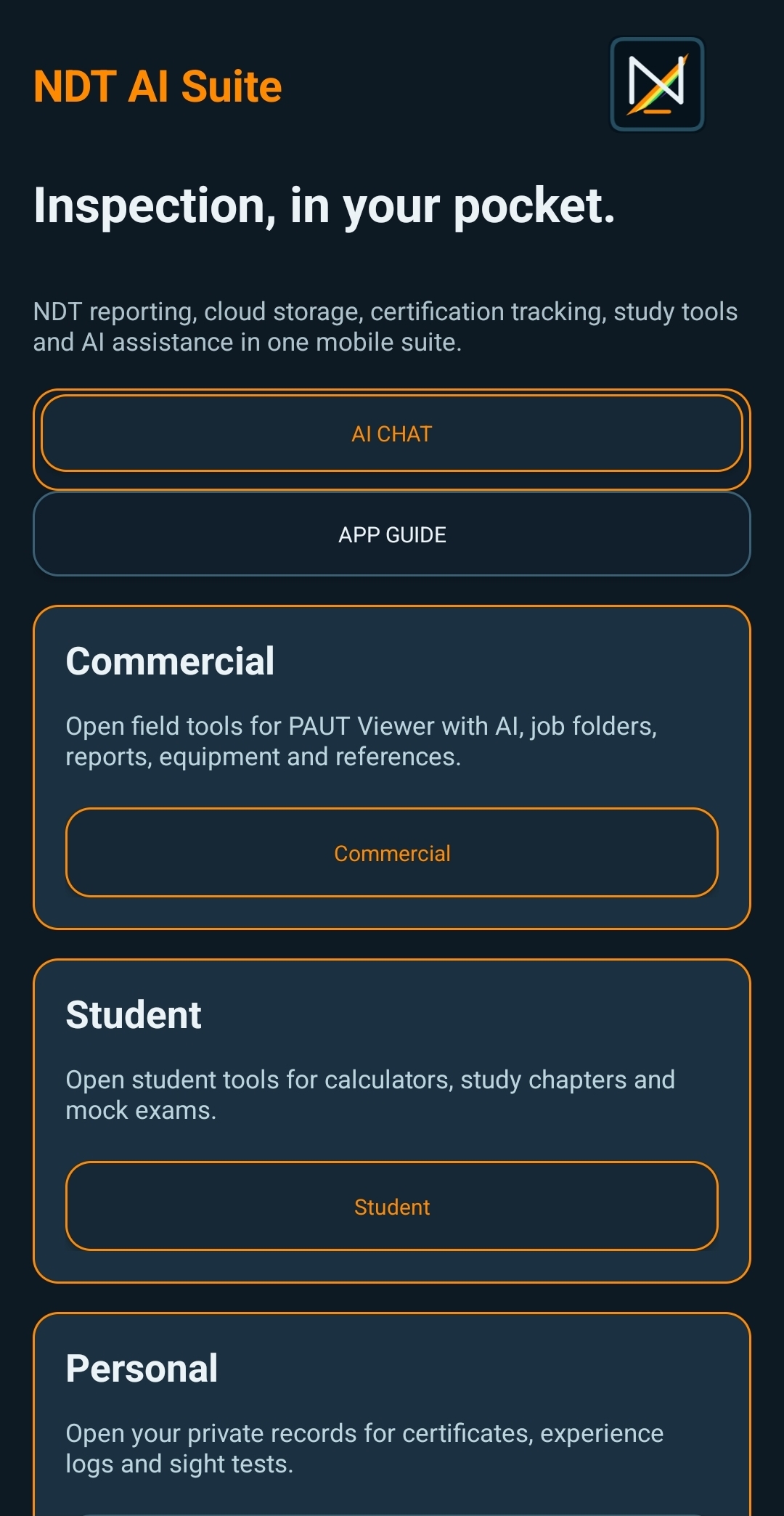
One platform for NDT job control: PC workflow for registers, templates, reports, clients and invoicing, plus an Android app for PAUT scan review, field photos, markup and technician records.
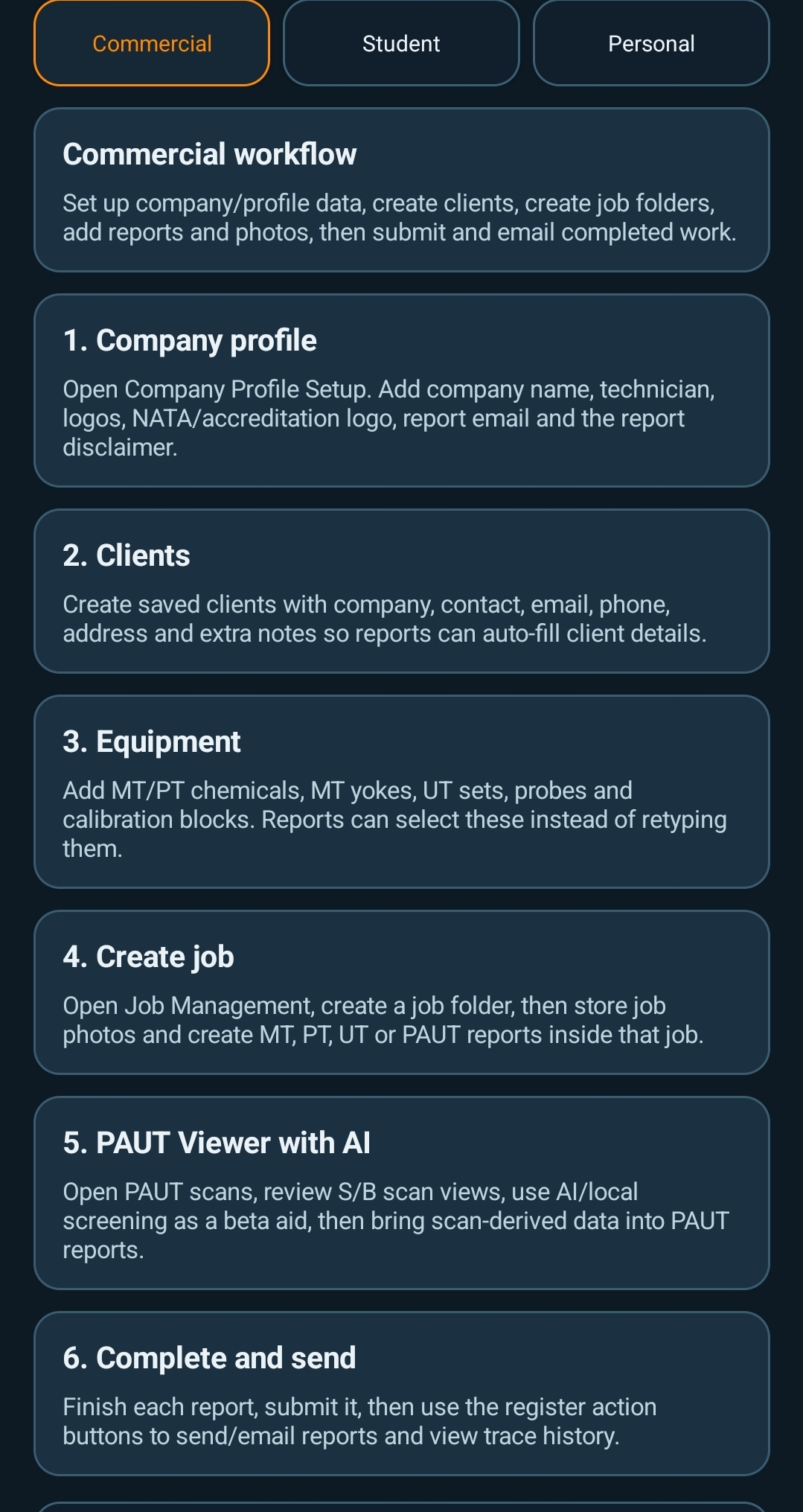
Create jobs and projects, assign techs, open job folders and track report status from one register.
Create method templates, multi-method reports, image sections, results tables and UT thickness tables.
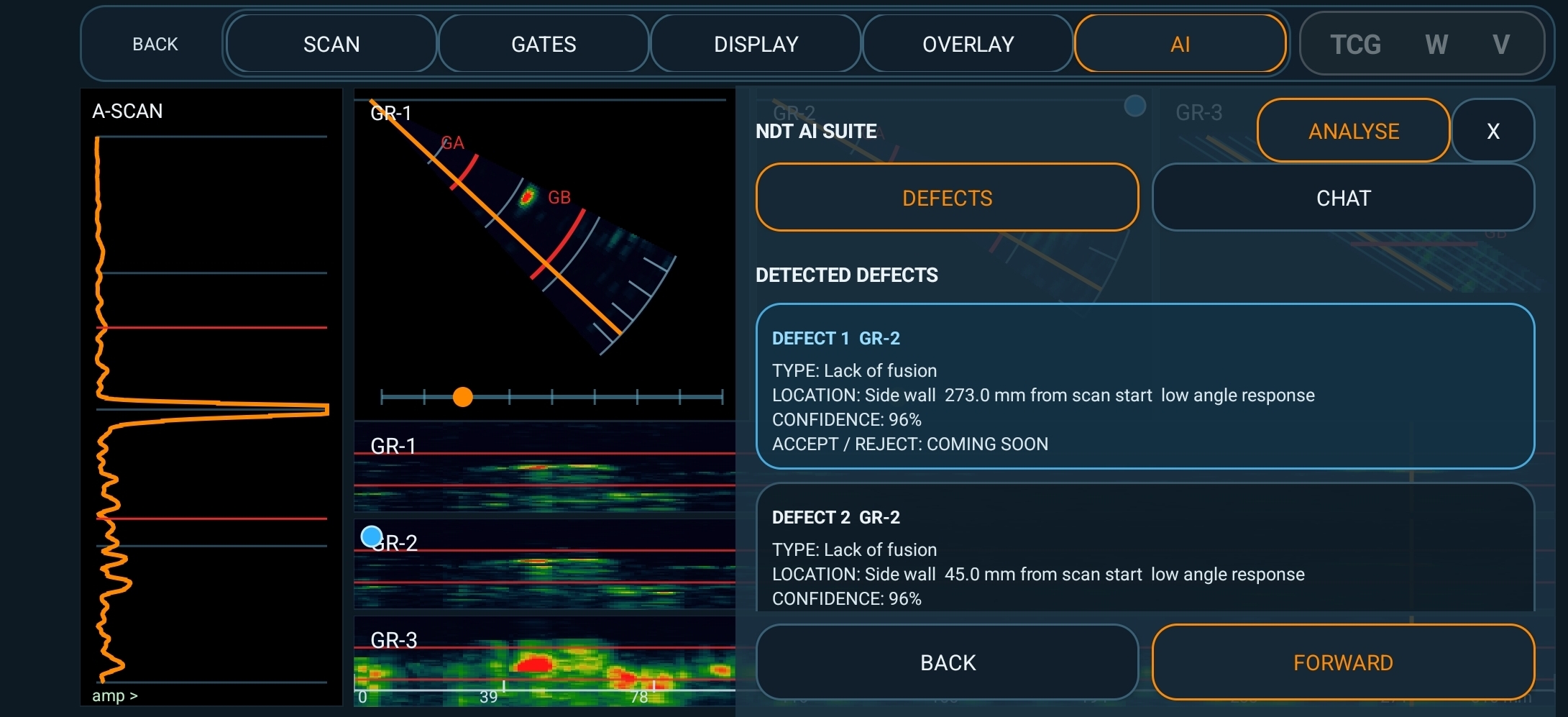
Use the Android app for PAUT scan viewing, AI indication support, photos and markup.
Manage clients, equipment, employees, reference docs, email, calendar, Xero-ready invoicing and client portal access.
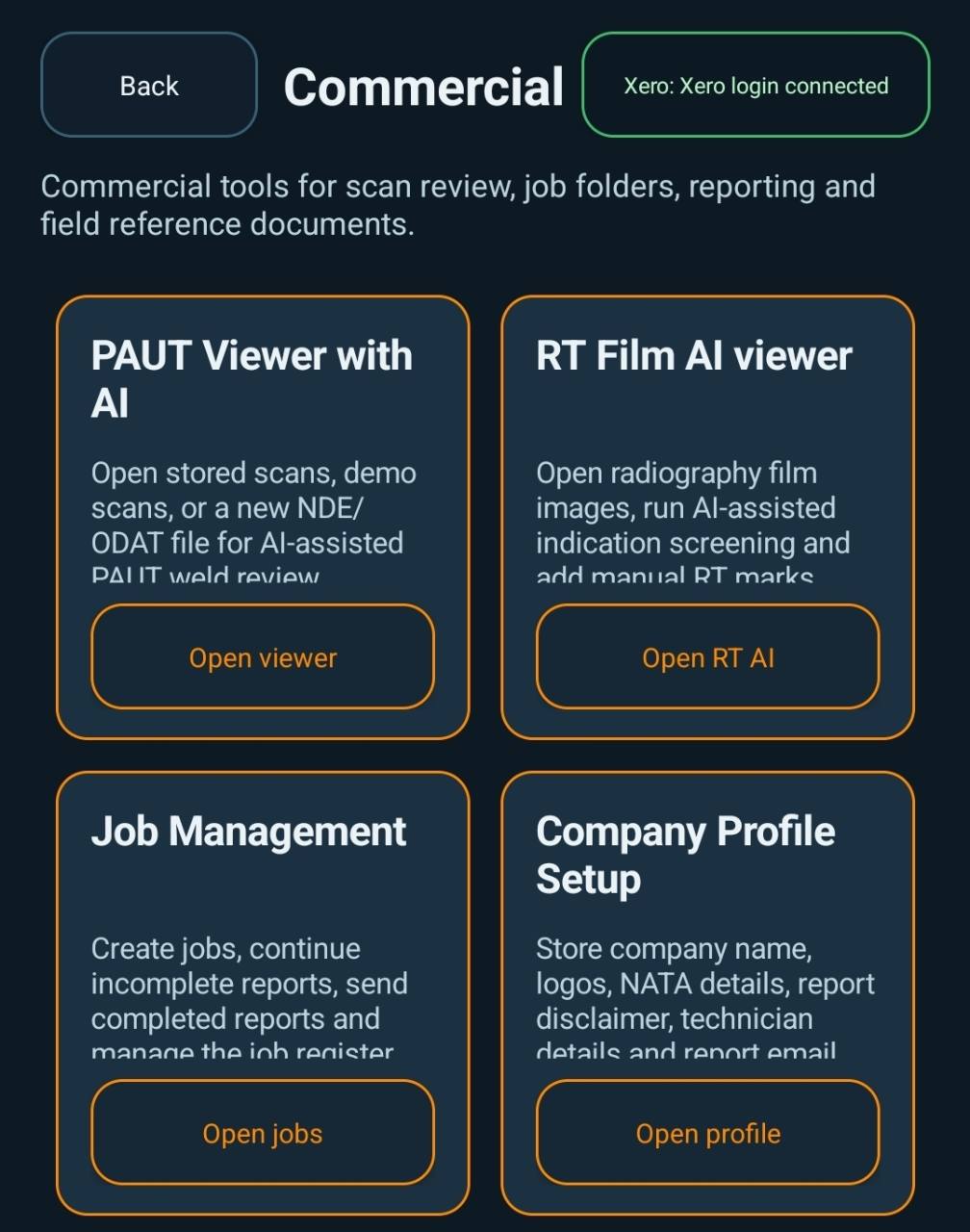
The web platform is the control room: company setup, job register, report templates, client records, equipment, email, calendar, invoicing and portal access.
Run the office workflow from the web app: create jobs, open job folders, store photos, build reports from templates and track what is ready, ongoing or complete.
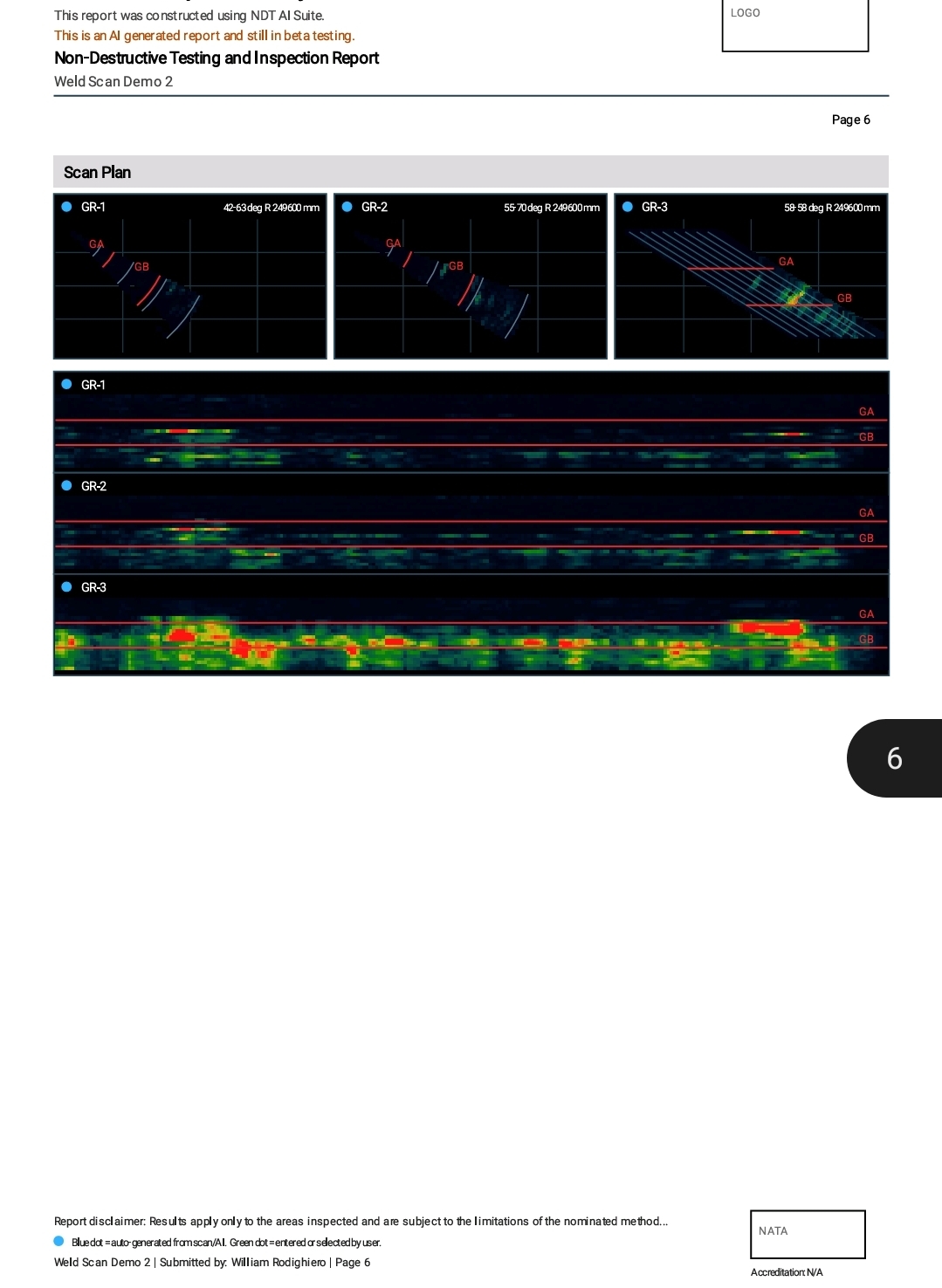
Build method templates for UT, PAUT, MT, PT, RT, ET and multi-method work, then complete the report from the job folder with the page preview beside the controls.
Keep quoting, invoices, purchase orders and job costing beside the register so commercial follow-up stays tied to the inspection job.
Store company logos, NATA details, employees, clients, equipment, calibration records and reference documents so reports and job forms reuse controlled information.

Ask Echo NDT questions, draft report wording, plan job steps, read client emails, or work out what to do next with clients, equipment, reports, certificates, experience logs and invoicing.
Checking OpenAIBusiness actions are prepared here, then confirmed in the app controls before anything is changed or sent.
Request access with the email linked to your Google Play account. Once added, you can install the closed beta from Google Play.
AI interpretation and AI-generated report content are experimental support tools and must be checked by a competent person.